
Live presence & follow
See who is here. Follow the thinking.
See who is online in your workspace and which board they are on. Ask to follow a teammate and watch their cursor as they move, only after they allow it.

A CLOSER LOOK
Make space for
your next step.
See who is online in your workspace and which board they are on. Ask to follow a teammate and watch their cursor as they move, only after they allow it.
Know who is around.
The Online panel lists everyone in the workspace right now and where each person is working. On a board, avatars in the toolbar show who is on it with you.
Read the guide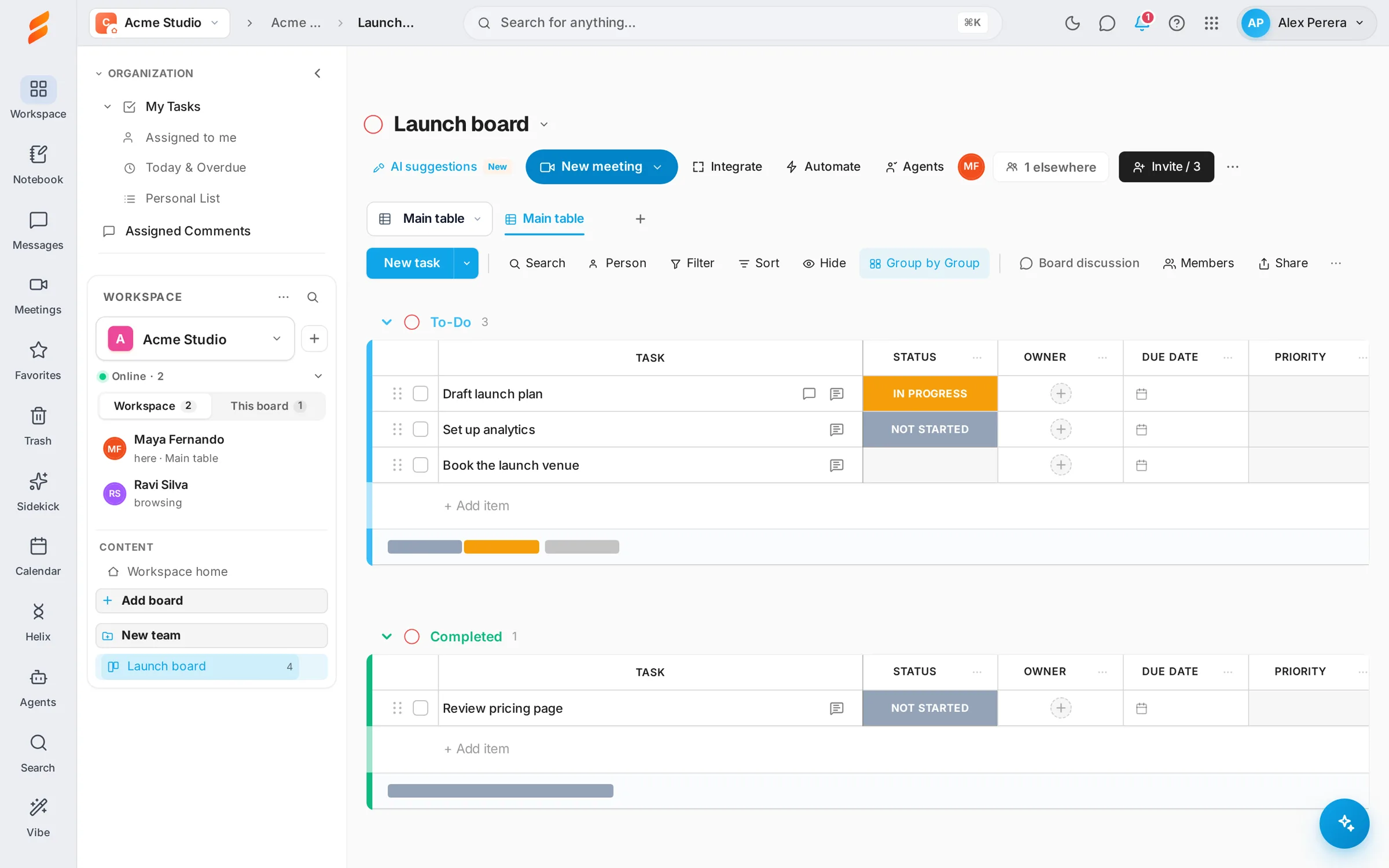
Follow, with permission.
Select a teammate and choose Follow. They see who is asking and choose Allow or Decline. Once allowed, their cursor appears with their name and Snappi takes you along as they move between boards.
Read the guide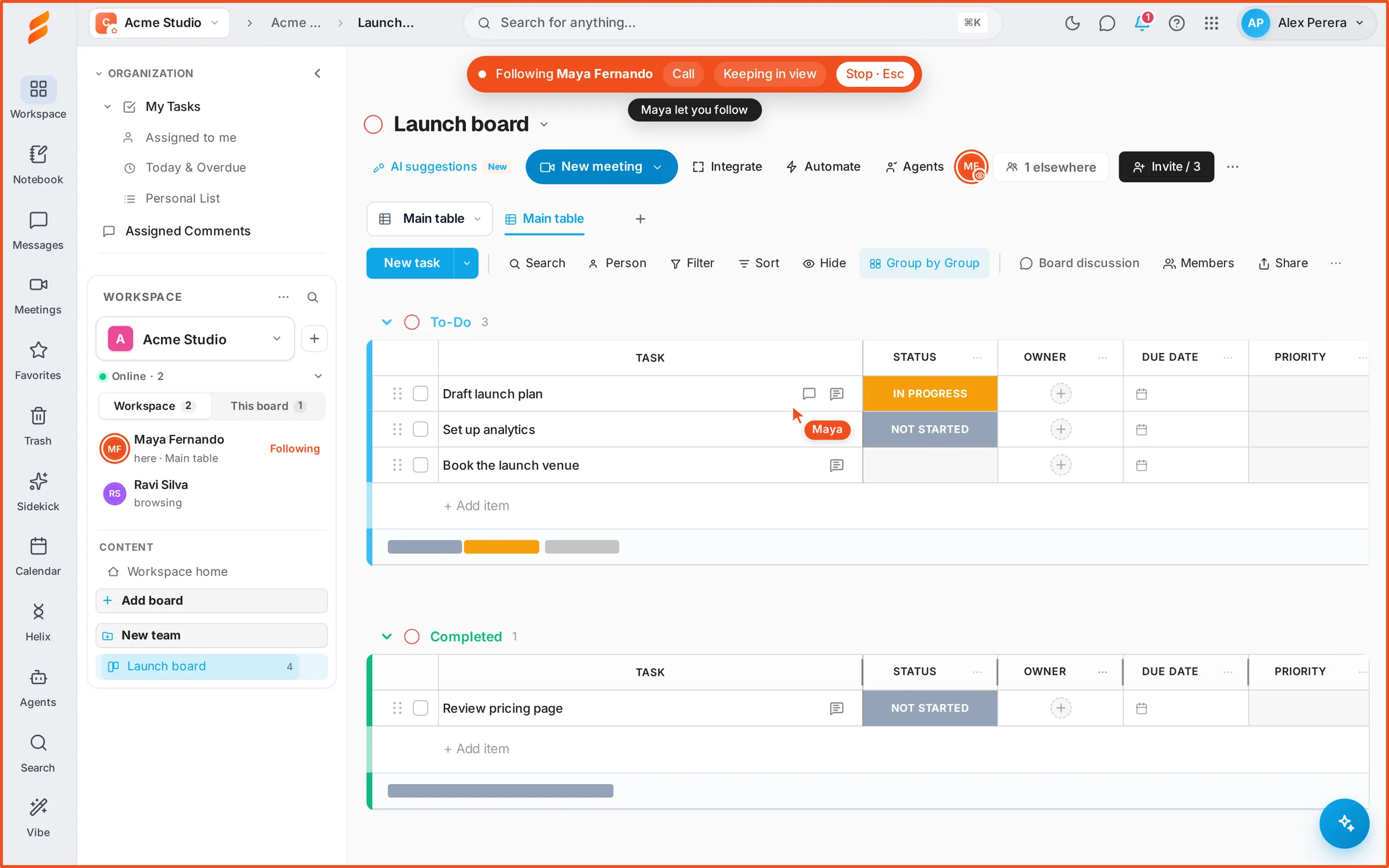
Nobody is watched by surprise.
A cursor is shown only to a follower its owner allowed, and a chip says who is following until either side stops. Someone on a board you cannot open shows only as being on a private board.
Read the guideGOOD QUESTIONS
A little clarity.
A confident start.
Can someone follow me without asking?
No. Every follow request shows a card with Allow and Decline, and nothing is shared until you allow it. You can stop it at any time.
Can I see what people do on boards I have no access to?
No. They appear as online on a private board, without its name or contents.
Is following the same as screen sharing?
No. Following shows the same board and the other person’s cursor. To show anything else on your screen, use Share my screen or start a call.