
Messages & calls
Say it now. Keep it with the work.
Message a teammate directly, send files, and move to a voice or video call with screen sharing without leaving your workspace. Messages are on every plan; calls start on Starter.

A CLOSER LOOK
Make space for
your next step.
Message a teammate directly, send files, and move to a voice or video call with screen sharing without leaving your workspace. Messages are on every plan; calls start on Starter.
A direct line to each teammate.
Open Messages, choose a person and write. Send up to ten files in a message, see when it was delivered and read, and find every conversation in one list with unread counts.
Read the guide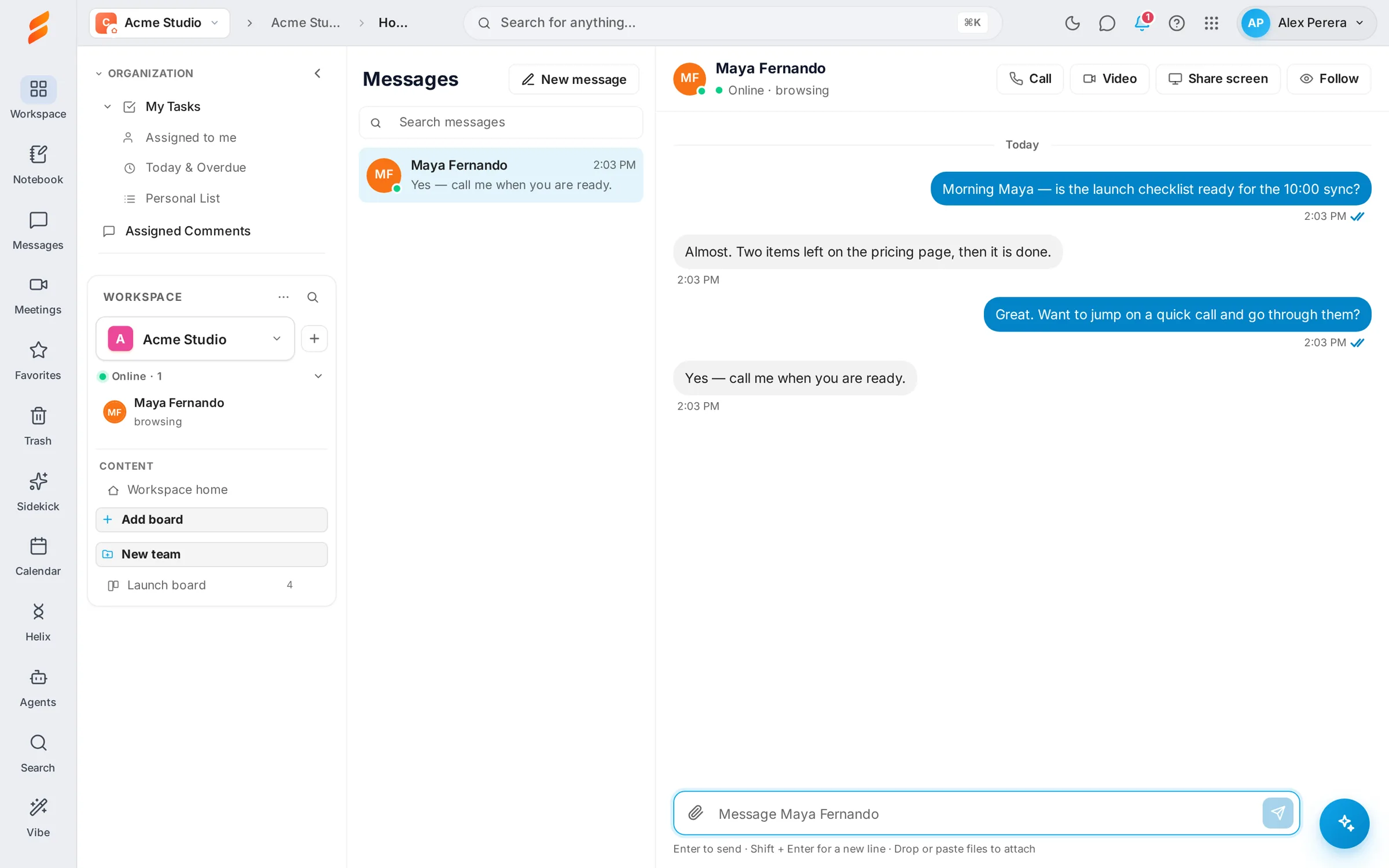
From a message to a call.
Start a voice or video call from the conversation, the Online panel or the Calls tab. Share your screen, chat during the call and keep working while the call window floats above the page. Each call is listed in the conversation afterwards.
Read the guide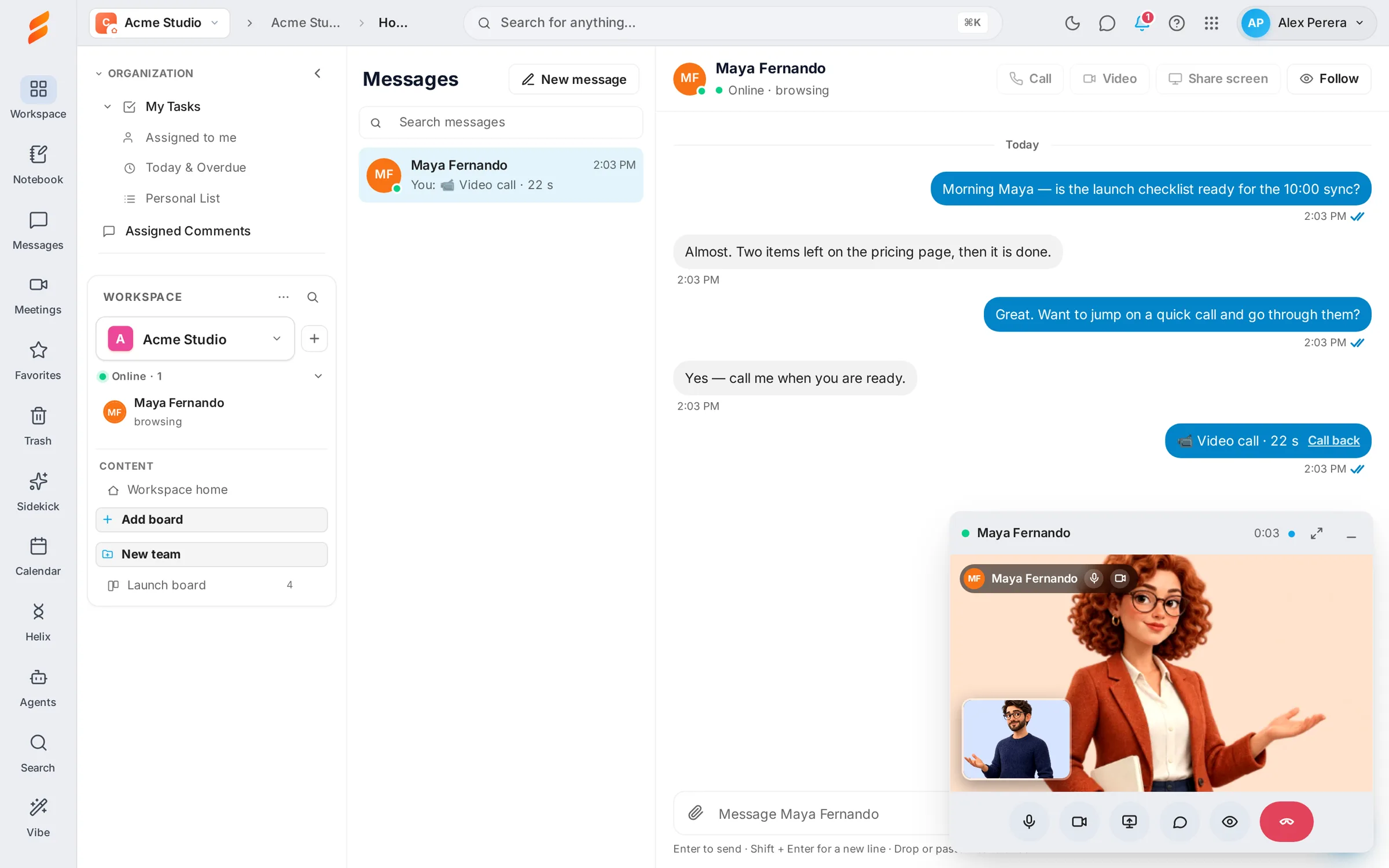
Hear about it where you are.
With Snappi open you get an alert on your desktop. If you are away, the message waits in your bell and reaches you by email, at most once per conversation every half hour. The phone app rings for calls and lets you choose which alerts reach your phone.
Read the guideGOOD QUESTIONS
A little clarity.
A confident start.
Are there group chats?
Messages are one to one, and each workspace keeps its own conversations. For a group conversation, start a meeting or use a board discussion.
Who can see the files I send?
Only the two people in the conversation.
How is a call different from a meeting?
A call is between two teammates who are online in the same workspace. A meeting has a link, can include guests and adds a lobby, whiteboard, recording and AI notes.