
Boards & views
One shared board. Every perspective.
Organize tasks, owners and dates in Snappi. Explore nine board views without losing the shared context behind your project.

A CLOSER LOOK
Make space for
your next step.
Organize tasks, owners and dates in Snappi. Explore nine board views without losing the shared context behind your project.
Give the details a place.
Start with a board, organize work into groups and add columns for the information your team needs. Owners, dates, statuses and subitems turn an open question into an actionable plan.
Read the guide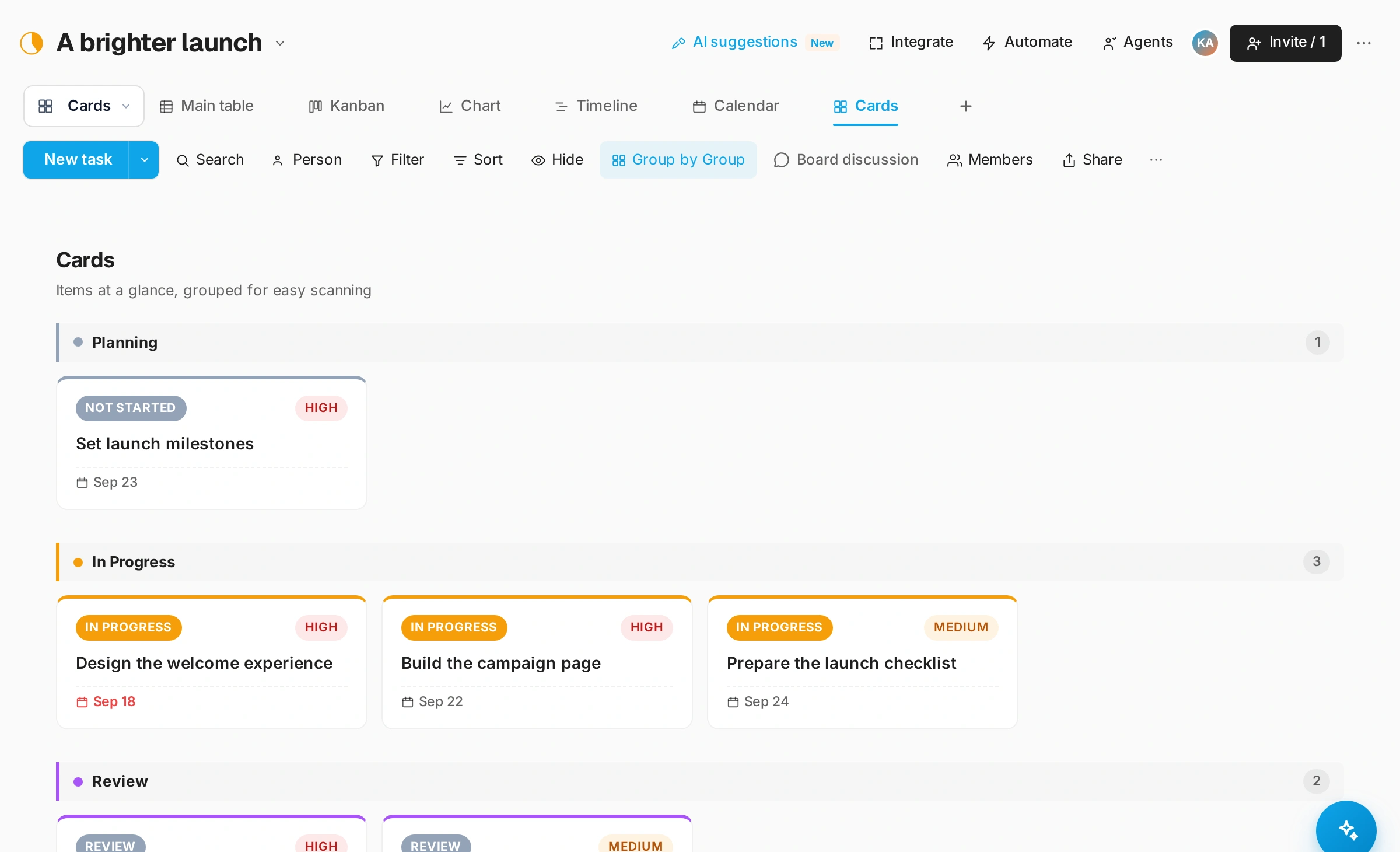
Change the view. Keep the context.
Use Table for the detail, Kanban for flow and Calendar for dates. Timeline, Gantt, Chart, Cards, Files and Form give the same board different ways to work.
Read the guide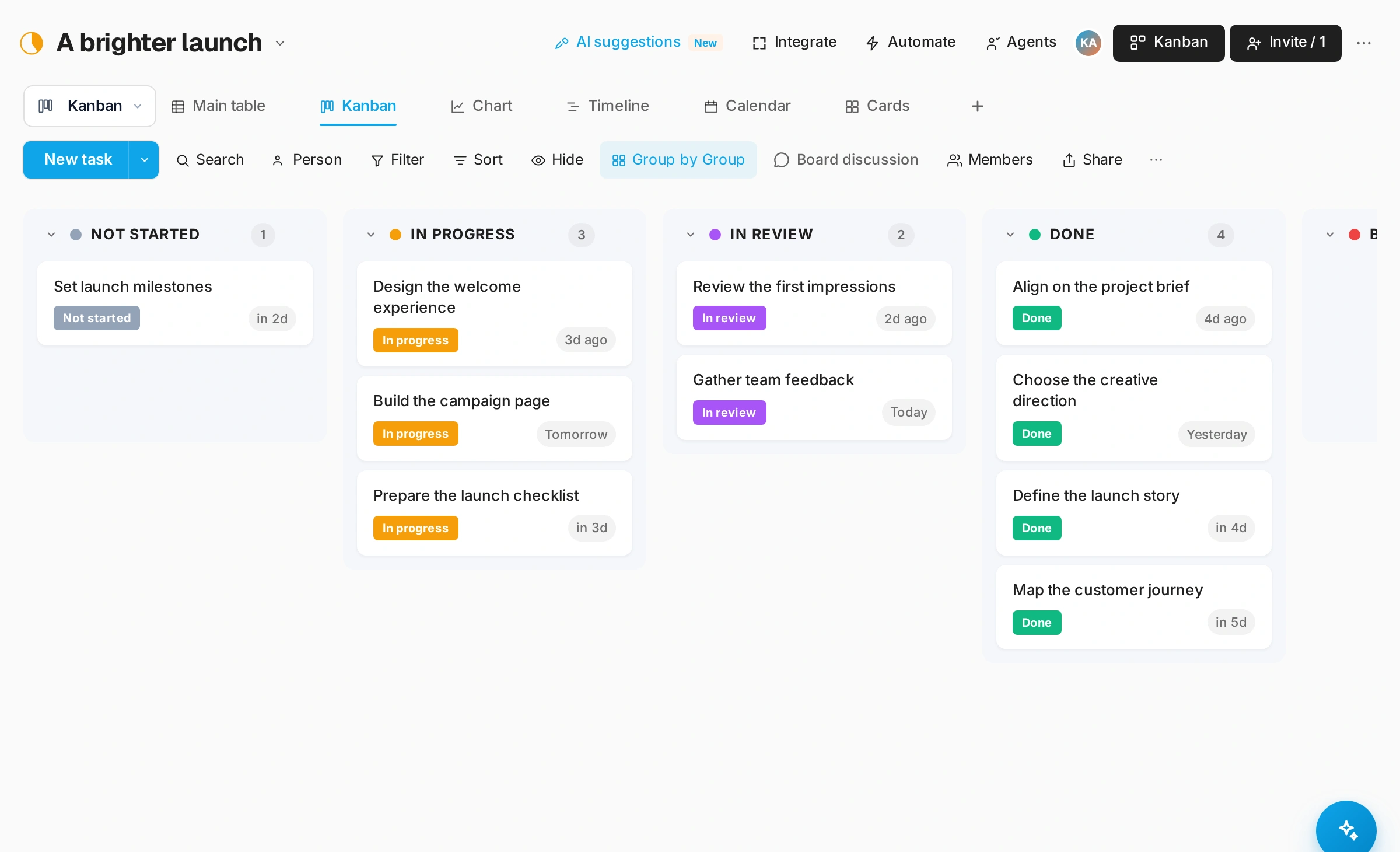
A shared plan that can move.
Discuss an item, add an attachment and update its status where the work lives. Invite people with the appropriate access and keep the next step visible.
Read the guide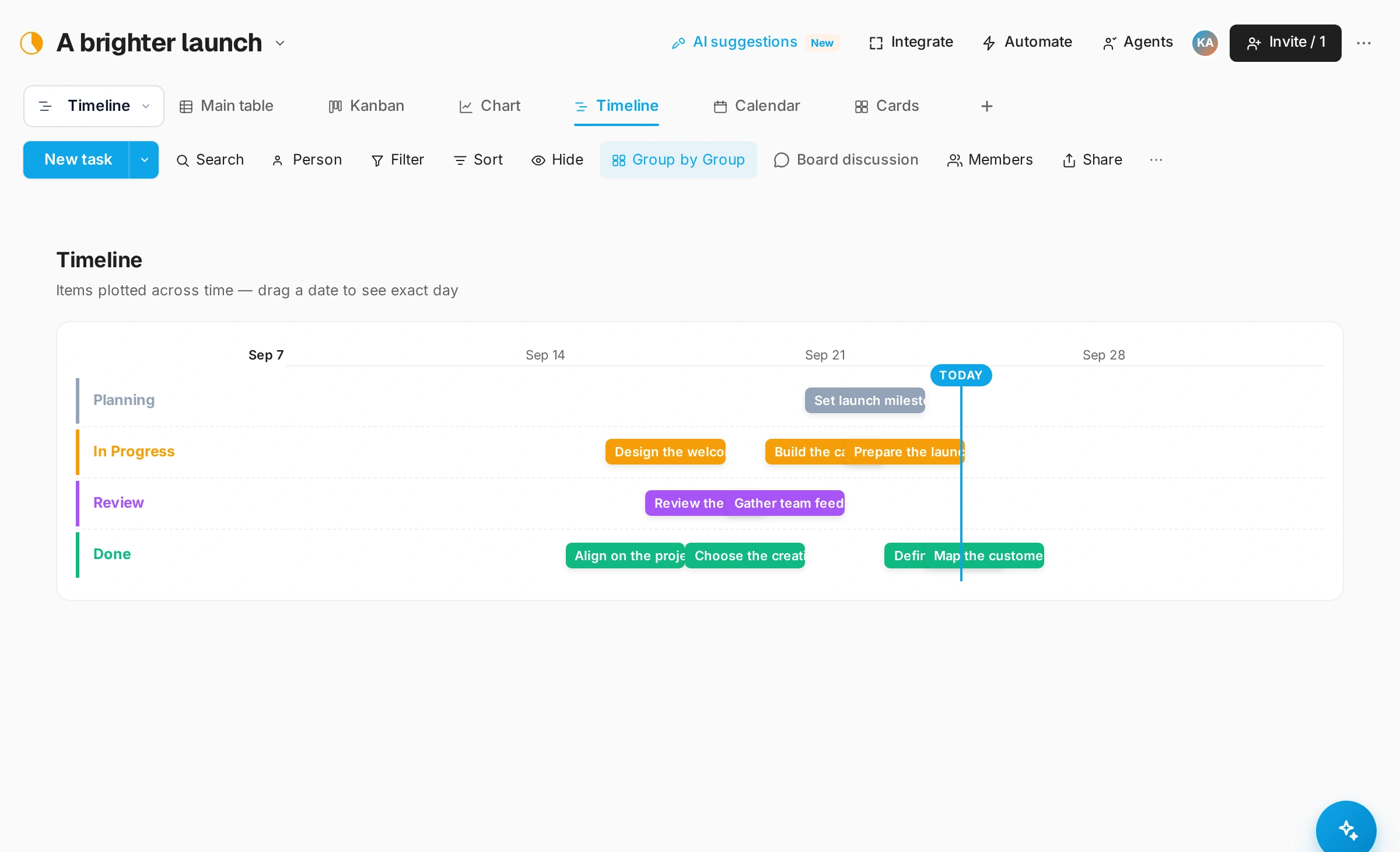
GOOD QUESTIONS
A little clarity.
A confident start.
How many board views are available?
Snappi has nine canonical board views: Table, Kanban, Timeline, Calendar, Gantt, Chart, Cards, Files and Form. Sprint planning is a separate workspace capability.
Can I customize a board?
Yes. Add groups, custom columns and subitems, then save views that fit the way your team works.