
Video meetings
Meet face to face. Keep the work close.
Start a video meeting from your workspace and share one link. Present your screen, sketch on a shared whiteboard, record the session and let Snappi take the notes. Meetings start on Starter.

A CLOSER LOOK
Make space for
your next step.
Start a video meeting from your workspace and share one link. Present your screen, sketch on a shared whiteboard, record the session and let Snappi take the notes. Meetings start on Starter.
One link. Everyone in the room.
Start a meeting from workspace home, the Meetings page or any board, then share its link. Teammates walk straight in. Guests, and people with no Snappi account, type their name and wait in the lobby until the host admits them.
Read the guide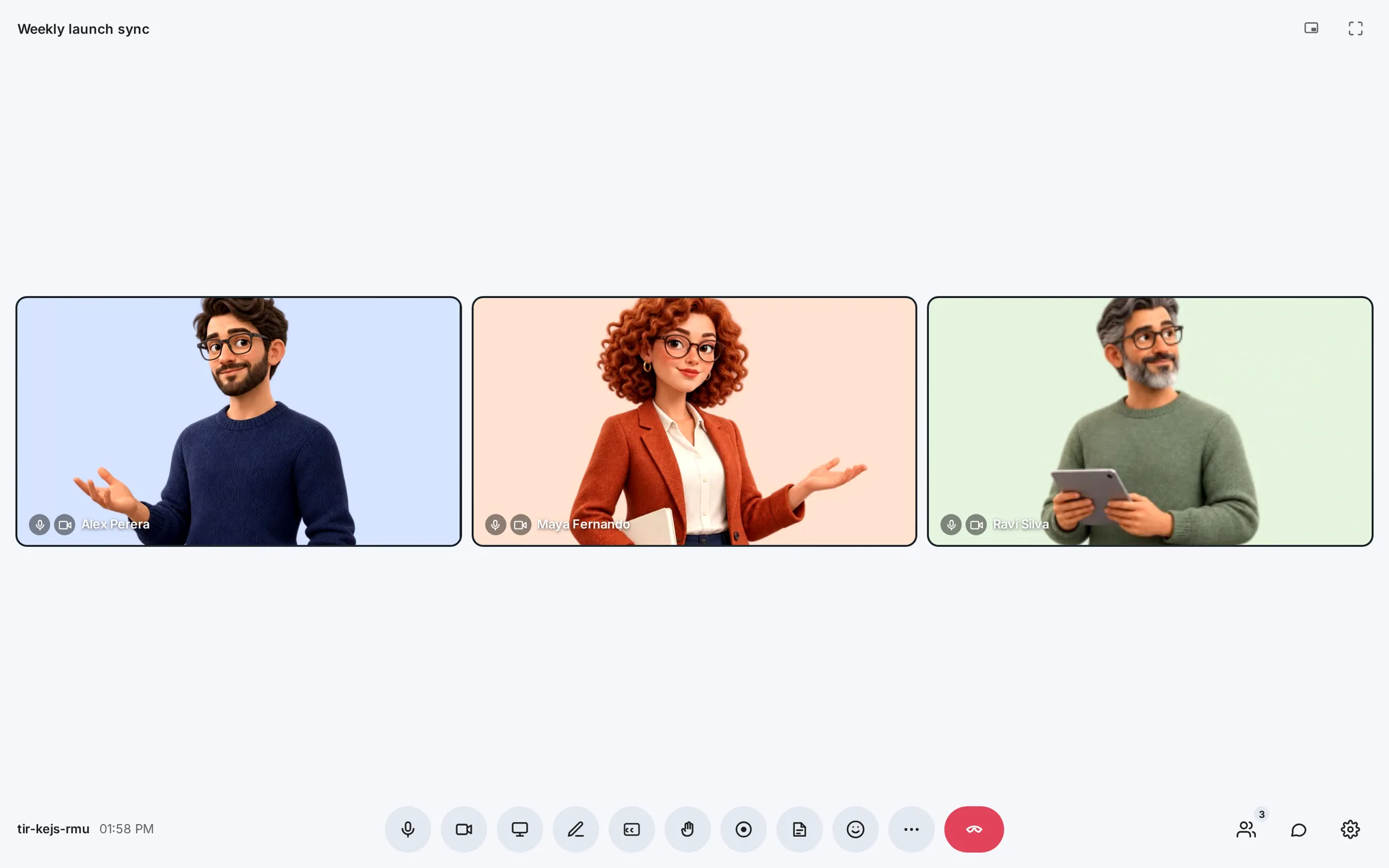
Show it. Sketch it. Split up.
Present your screen, open the shared whiteboard and draw together, chat and send files, raise a hand or react. When the group is too big for one conversation, the host opens breakout rooms and brings everyone back afterwards.
Read the guide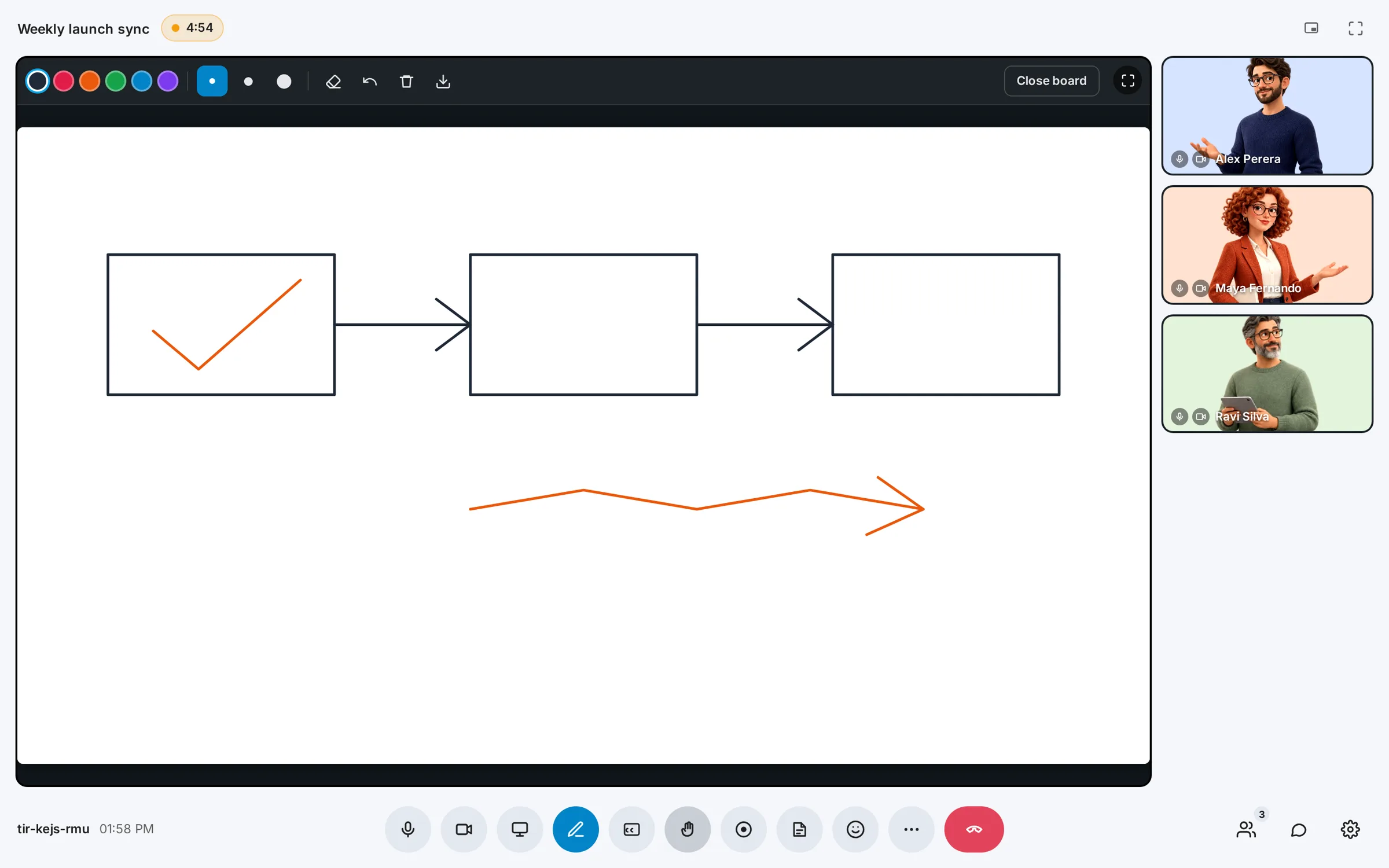
Keep what was said.
The host can record the meeting into one video with the screen, whiteboard, cameras and sound, and turn on AI notes for a transcript with names and a summary in Notebook. Everyone sees when either is on. Live captions can be translated for the person reading them.
Read the guide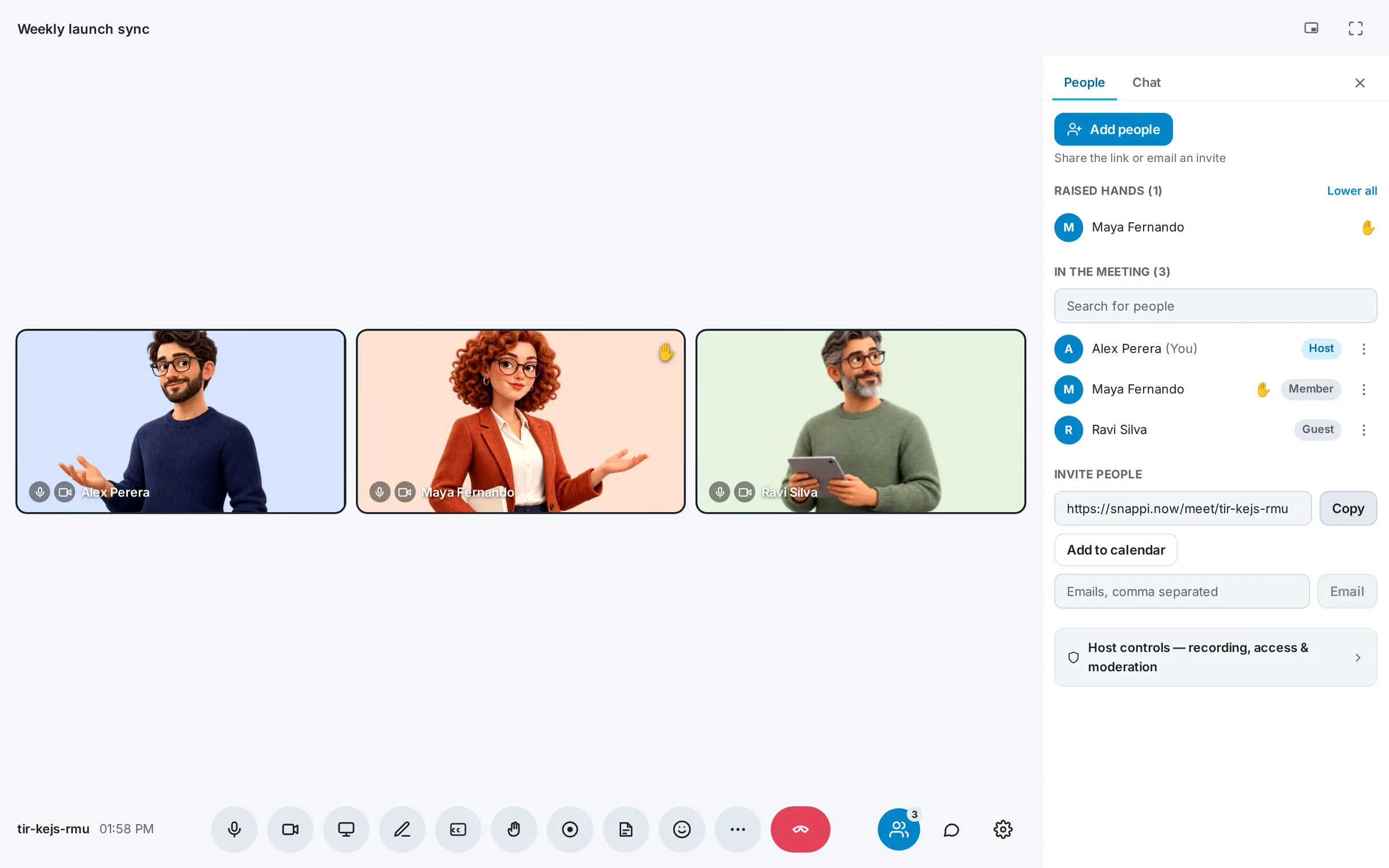
GOOD QUESTIONS
A little clarity.
A confident start.
Do guests need a Snappi account?
No. Anyone with the meeting link can type their name and ask to join. Guests and visitors wait in the lobby until the host admits them, and the host can switch visitors off or lock the meeting.
Who can record a meeting or turn on AI notes?
The host, in a workspace on Starter or above. Meetings and recording start on Starter; Free does not include them. AI notes use notes pages or AI credits, which Free can prepay for. Recording and AI notes are separate switches. While either is on, everyone in the meeting sees an indicator, including guests.
Where do recordings and notes go?
Recordings appear under Recordings on the Meetings page and workspace home, where the host can share one by link. AI notes are saved as a note in the workspace Notebook when the meeting ends.
Does AI note taking cost extra?
AI notes use notes pages or workspace AI credits, the same allowance as voice notes in Notebook. See the pricing page for how they are counted.
Can I join from my phone?
Yes. The meeting link opens in a phone browser with a layout made for small screens, and the Snappi app for iPhone and Android can join meetings too.