
AI & Vibe
A little direction. A useful beginning.
Turn a project description into a board with Vibe, get workspace assistance from Sidekick and connect compatible AI tools through MCP. Starter and above include AI credits every month; Free can prepay from $5.

A CLOSER LOOK
Make space for
your next step.
Turn a project description into a board with Vibe, get workspace assistance from Sidekick and connect compatible AI tools through MCP. Starter and above include AI credits every month; Free can prepay from $5.
Start with what you want to do.
Tell Vibe about your project, the stages you expect and the information you need. It generates groups, columns and starter tasks for you to review and refine.
Read the guideKeep your judgment in the loop.
Use Sidekick for AI assistance in your workspace. Check generated suggestions and keep decisions with the people responsible for the work.
Read the guide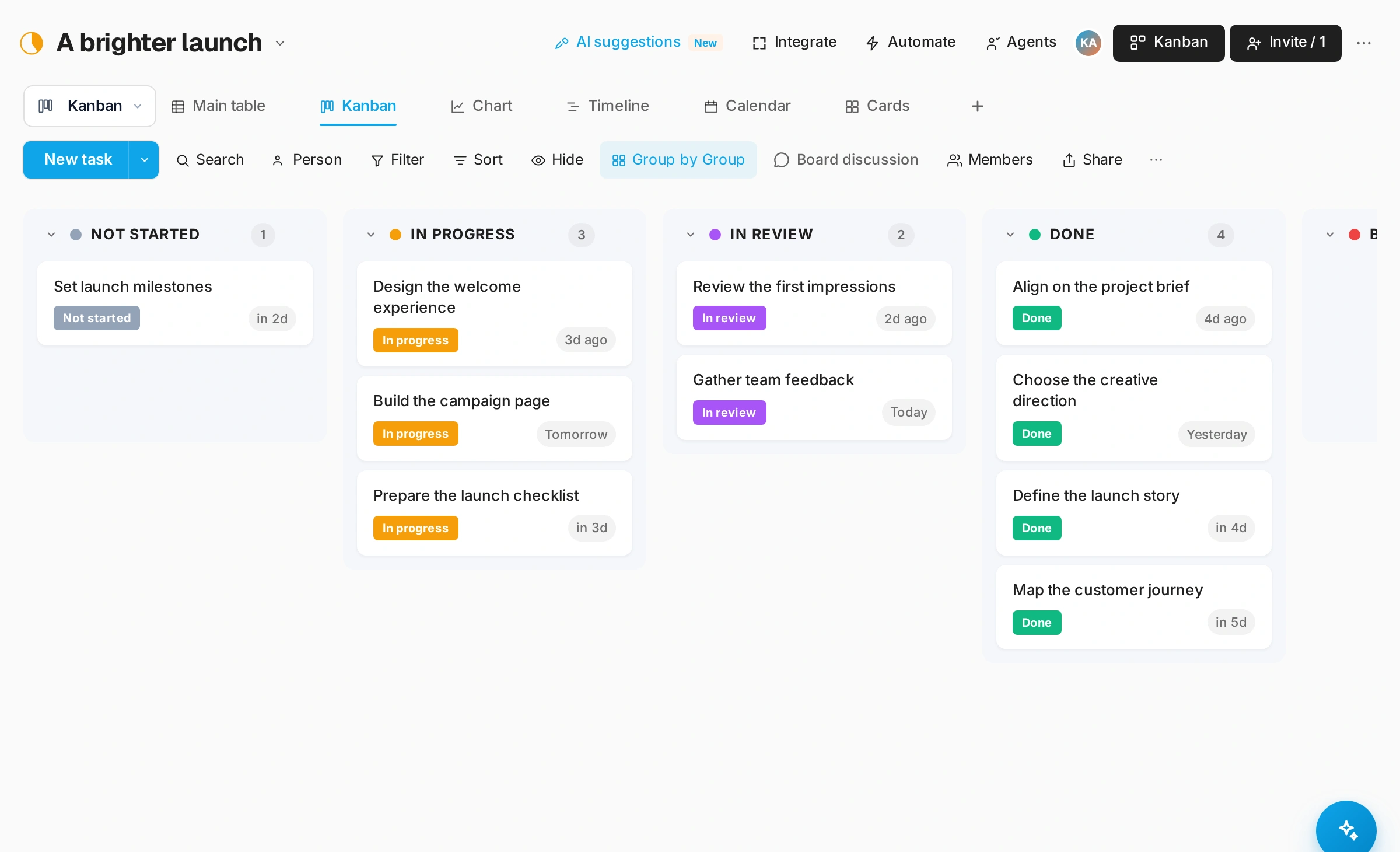
Bring an assistant of your own.
MCP gives compatible external AI clients a connection to Snappi. Choose the access you grant and review requests before allowing changes. AI availability depends on workspace configuration and credits.
Read the guideGOOD QUESTIONS
A little clarity.
A confident start.
Does Vibe build a finished project for me?
Vibe creates a starting structure. Your team reviews the generated board, replaces sample tasks and confirms owners and dates.
Do AI features use credits?
Yes. AI usage is managed through workspace credits. Check your workspace settings and current pricing details before planning usage.