
Notes & personal tasks
Catch the thought. Keep the next step.
Write in your Snappi notebook, turn highlighted actions into tasks and bring the right work onto a shared board.

A CLOSER LOOK
Make space for
your next step.
Write in your Snappi notebook, turn highlighted actions into tasks and bring the right work onto a shared board.
Make room for unfinished thinking.
Keep meeting notes, questions and early ideas in your notebook. Type them yourself, or record the meeting and let the AI note taker write the transcript and a summary.
Read the guideTurn a sentence into a next step.
Highlight an action and use the task controls to capture it. Assign it to a board or group when it is ready to become part of the team’s plan.
Read the guide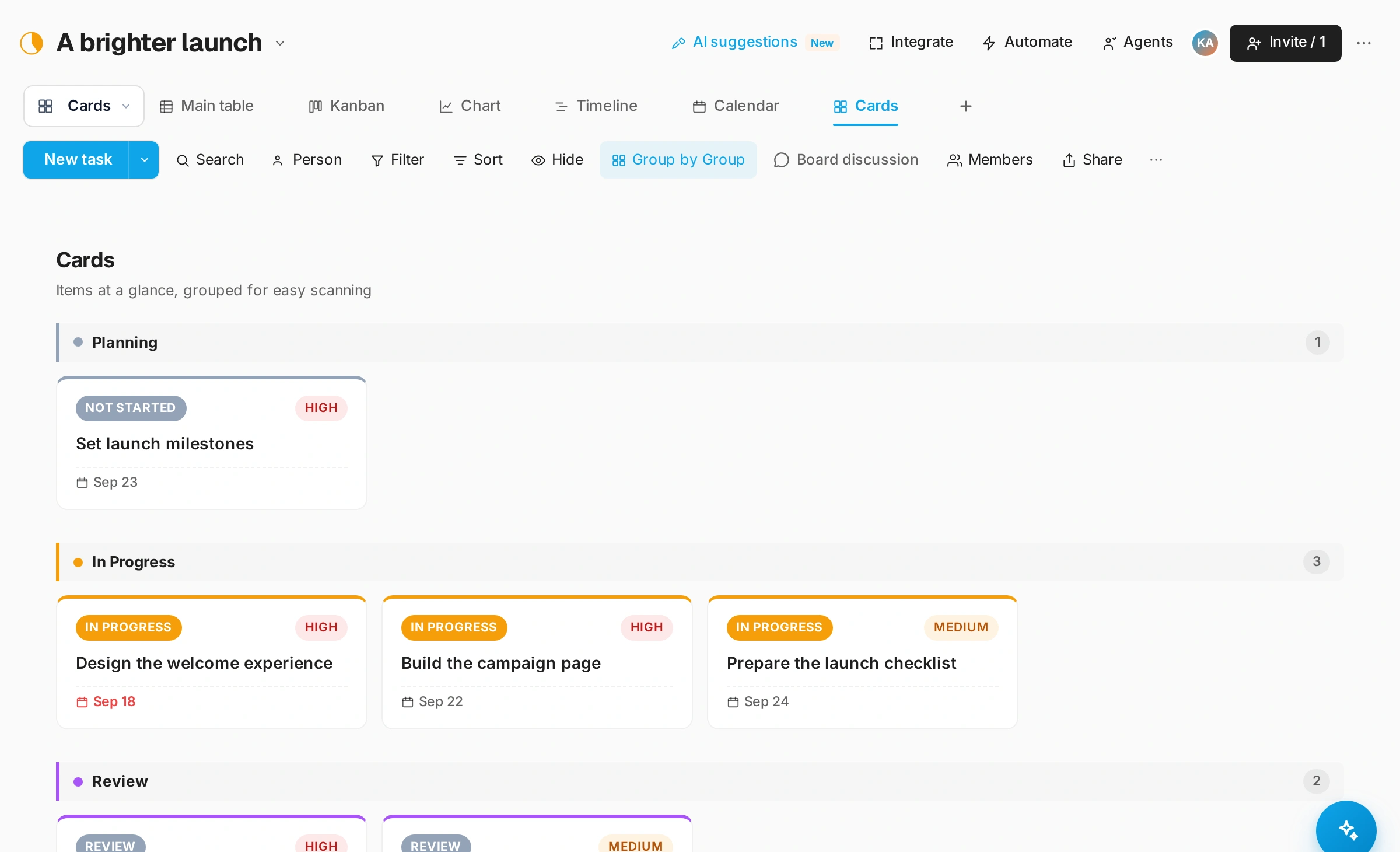
Find your own focus.
Use personal and assigned work views to keep track of your responsibilities. A shared board and a personal task list answer different questions; both have a place.
Read the guideGOOD QUESTIONS
A little clarity.
A confident start.
Must every note become a task?
No. Keep the context in your notebook and turn only the actionable parts into tasks.
Can I move an action to a board?
Yes. The notes-to-tasks flow includes choosing a board and group for the action. Available destinations depend on your access.
Can Snappi take the notes for me?
Yes. Record a meeting in Notebook and the AI note taker writes the transcript, the speakers and a summary. It uses notes pages or workspace AI credits, from the Starter package; Free can prepay for notes pages from $6.
What happens to a note I delete?
It goes to Trash and can be restored for 30 days.