
Workflow automation
Less routine. More room to think.
Use status-based Snappi automations to move items between groups or update their status when a workflow rule is met. Automations start on Starter.

A CLOSER LOOK
Make space for
your next step.
Use status-based Snappi automations to move items between groups or update their status when a workflow rule is met. Automations start on Starter.
Choose a clear signal.
Start with a status change or a matching status. A focused trigger makes a rule easier for the team to understand and maintain.
Read the guideMake the next move predictable.
Configure an action to move the item to a group or set a status. Use it for handoffs such as sending approved work into the next stage.
Read the guide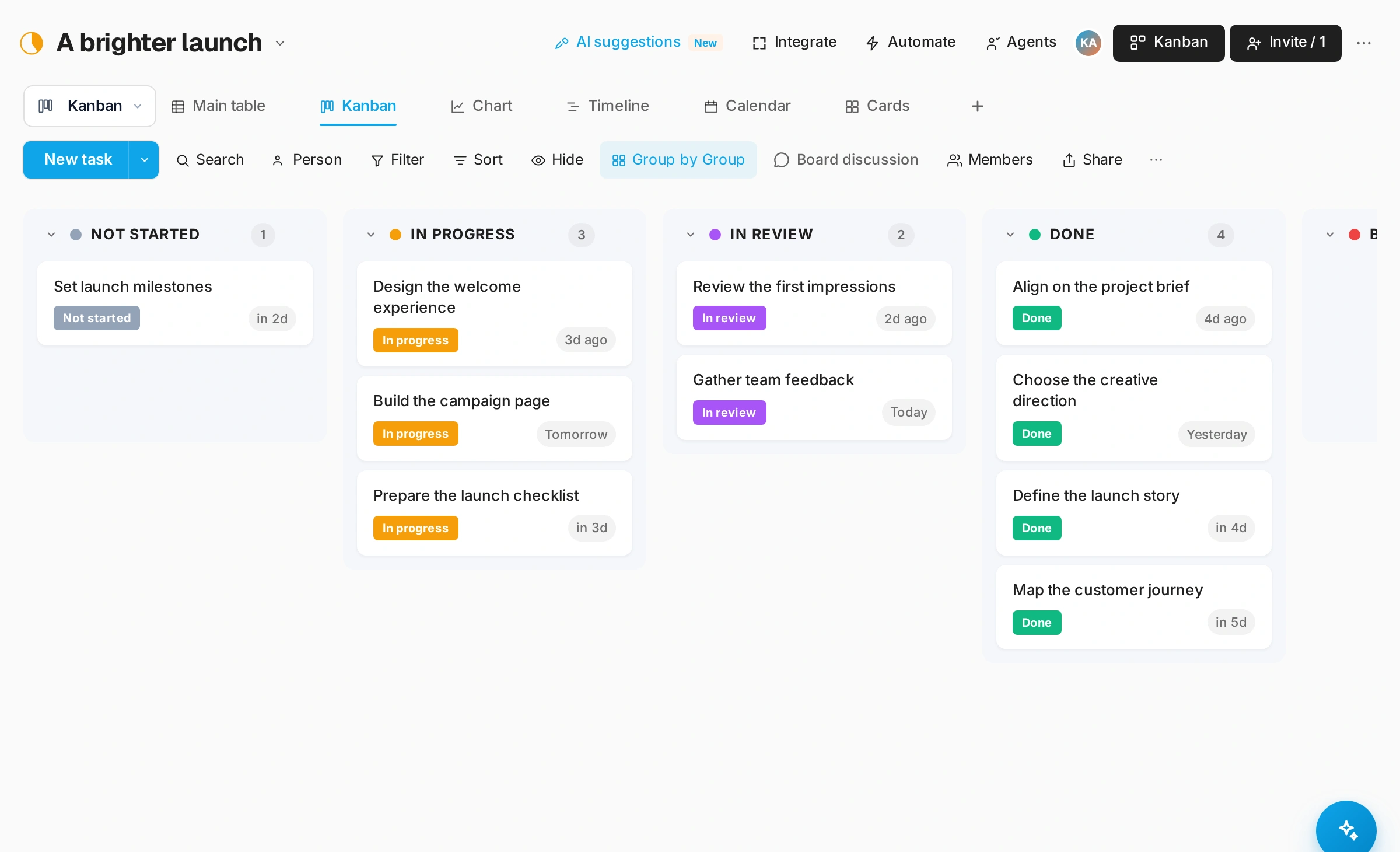
Try it on a sample item.
Run a fictional task through the workflow and confirm the result. Revisit rules when columns, groups or your process change.
Read the guideGOOD QUESTIONS
A little clarity.
A confident start.
What can a rule do?
Rules can move an item to a group or set its status when the configured status conditions are met.
Can forms and automations work together?
Form submissions create board items. Your team can then review their statuses and use configured rules to support the handoff.